MyMEXCards
MyMEX CardsMore than a card. A connected business.
An automotive adviser and customers reviewing a tablet beside a vehicle in a showroom.
MYMEX FOR DEALERSHIPS PLATFORM + MANAGED OPTIONS

Keep dealership enquiries
connected to the
right next step.

Give sales, F&I and service a connected platform for team cards, customer context and accountable follow-up. Add managed vehicle content and hands-on support to suit your dealership.

Power every Customer Journey.Cards / Guidance / Follow-up
WATCH THE MYMEX STORY

See the platform.
Then explore your dealership setup.

Watch how cards, customer enquiries and Jarvis connect. Then inspect the dealership workspace and compare the optional managed services.

THE MYMEX STORY / 02:35
THE PLATFORM FIRST. SERVICES TO MATCH YOUR NEEDS.

One dealership workspace.
Choose the support around it.

Give your team a consistent identity and a place to manage customer enquiries. Then choose the managed content and physical extras your dealership needs.

01 / THE PLATFORM

Your people and customer follow-up

Team cards, a public dealership page, enquiry ownership, booking requests, approved Jarvis guidance and activity reporting—within assigned permissions.

Explore the workspace ↓
02 / MANAGED SERVICES

Vehicle content and hands-on management

Compare Full marketing, Catalogues and App management. Each option has its own service scope; review the complete package estimate and confirm the quotation.

Compare managed packages ↓
03 / OPTIONAL EXTRAS

Physical sharing and additional artwork

NFC keyrings, table stands and individual vehicle adverts are optional selections in the estimator. Training and setup follow the agreed scope.

See content examples ↓

Managed automotive services are excluded from the standard self-service trial. This page provides estimates; scope, tax treatment and activation are confirmed in your quotation.

BRANDS MYMEX CAN SUPPORT

Every brand has a story.Connect yours.

Alfa RomeoAlfa Romeo
Aston MartinAston Martin
AudiAudi
BAICBAIC
BAWBAW
BentleyBentley
BMWBMW
BYDBYD
ChanganChangan
CheryChery
ChevroletChevrolet
ChryslerChrysler
CitroenCitroen
DaewooDaewoo
DaihatsuDaihatsu
DatsunDatsun
DFSKDFSK
DongfengDongfeng
FerrariFerrari
FiatFiat
FordFord
FotonFoton
GACGAC
GeelyGeely
GWMGWM
HavalHaval
HondaHonda
HyundaiHyundai
iCAURiCAUR
InfinitiInfiniti
IsuzuIsuzu
JACJAC
JaecooJaecoo
JaguarJaguar
JeepJeep
JetourJetour
JMCJMC
KiaKia
LamborghiniLamborghini
Land RoverLand Rover
LDVLDV
LeapmotorLeapmotor
LexusLexus
MahindraMahindra
MaseratiMaserati
MaxusMaxus
MazdaMazda
McLarenMcLaren
Mercedes-BenzMercedes-Benz
MGMG
MINIMINI
MitsubishiMitsubishi
NissanNissan
OmodaOmoda
OpelOpel
OraOra
PeugeotPeugeot
PorschePorsche
ProtonProton
RenaultRenault
Rolls-RoyceRolls-Royce
SaabSaab
SmartSmart
SsangYongSsangYong
SubaruSubaru
SuzukiSuzuki
TankTank
TataTata
ToyotaToyota
VolkswagenVolkswagen
VolvoVolvo
View all 73 brand logos
Alfa RomeoAlfa Romeo
Aston MartinAston Martin
AudiAudi
BAICBAIC
BAWBAW
BentleyBentley
BMWBMW
BYDBYD
ChanganChangan
CheryChery
ChevroletChevrolet
ChryslerChrysler
CitroenCitroen
DaewooDaewoo
DaihatsuDaihatsu
DatsunDatsun
DFSKDFSK
DongfengDongfeng
FerrariFerrari
FiatFiat
FordFord
FotonFoton
GACGAC
GeelyGeely
GWMGWM
HavalHaval
HondaHonda
HyundaiHyundai
iCAURiCAUR
InfinitiInfiniti
IsuzuIsuzu
JACJAC
JaecooJaecoo
JaguarJaguar
JeepJeep
JetourJetour
JMCJMC
KiaKia
LamborghiniLamborghini
Land RoverLand Rover
LDVLDV
LeapmotorLeapmotor
LexusLexus
MahindraMahindra
MaseratiMaserati
MaxusMaxus
MazdaMazda
McLarenMcLaren
Mercedes-BenzMercedes-Benz
MGMG
MINIMINI
MitsubishiMitsubishi
NissanNissan
OmodaOmoda
OpelOpel
OraOra
PeugeotPeugeot
PorschePorsche
ProtonProton
RenaultRenault
Rolls-RoyceRolls-Royce
SaabSaab
SmartSmart
SsangYongSsangYong
SubaruSubaru
SuzukiSuzuki
TankTank
TataTata
ToyotaToyota
VolkswagenVolkswagen
VolvoVolvo
01 / THE CUSTOMER JOURNEY

From vehicle interest
to a responsible team member.

Keep the customer’s vehicle interest, contact permission and next action connected to the responsible person.

  1. 01

    Scan, tap or share

    QR code · NFC tap · shared link

  2. 02

    Meet the business

    Digital card or dealership page

  3. 03

    Explore a vehicle

    Vehicle interest or enquiry

  4. 04

    Get useful guidance

    Jarvis clarifies the need

  5. 05

    Reach the right person

    Owned enquiry in the CRM

  6. 06

    Keep things moving

    Follow-up or booking request

That vehicle stays part of the conversation. Selected published vehicle interest is retained in the enquiry and handoff; the team confirms current price, suitability and availability.

ACTUAL MYMEX PRODUCT WALKTHROUGH

See the workspace.
Follow the flow.

Explore the business overview, team cards and analytics. Choose a section or play the tour. This preview uses demonstration data; nothing can be changed.

Current workspace UIRead-only demo dataDesktop + mobile
Overview — your business, in motionClick a section to explore. The tour pauses when you interact. No customer data is shown.
03 / SPECIALS, OFFERINGS & CATALOGUES

Managed vehicle content.
Your team keeps the conversation.

Choose managed vehicle adverts, catalogue production or updates using your supplied artwork, according to the selected package. Your dealership reviews the brief and approved information.

PERSONALISED CAMPAIGN DESIGN

Vehicle Specials

A WHOLE RANGE. ONE COHESIVE STORY.

Dealership catalogues

Latest published dealership content and approved design examples. Artwork is shown unchanged; historic campaign details are not current vehicle offers.

10–15new vehicle adverts
per month · Full marketing
Up to 10used vehicle adverts
in one monthly update · Full marketing

Full marketing: catalogue updates every 10 days, covering your agreed vehicles. All adverts are personalised and emailed in JPG and PDF format. These are the same inclusions shown in the pricing section below.

Choose your service: the Catalogues package includes catalogue updates every 10 days; individual adverts are R200 each on request. With App management, you supply approved artwork for MyMEX to publish; design and catalogue production are quoted separately. Your selected package and agreed scope determine your price.

PLATFORM ONLY · NO DESIGN SERVICES

Platform only.
No designs.

Want digital cards, CRM and Jarvis without managed design services? Choose your cards and plan on our main pricing page.

View platform plans
MyMEX Automotive · Your team, connected

Your dealership. Fully connected.

Personalised marketing, connected cards and hands-on support. Choose the service that fits your dealership.

Managed dealership services · ZAR estimate. International pricing is confirmed in your quotation.

Build your package

Size your team.

R5,000/month covers your first five cards (or fewer). Only cards six onward are charged at your selected package’s additional-card rate.

1 card100 cards
Included in your selection

Your marketing & platform toolkit

    Optional accessories & additional artwork

    Optional, once-off: NFC keyrings R100 each · Table stands R150 each. Artwork supplied if you arrange your own production.

    The MyMEX service

    More support. Less running around.

    We guide your dealership contact and sales managers from the first request to your next campaign.

    Personalised. Ready to share.

    All adverts we create are personalised and shared with you by email in JPG and PDF format.

    Your brief, your campaign.

    New or used car sales managers can send their requirements at any time. Artwork is customised to the brief; work outside your package is quoted before it begins.

    Guided every step of the way.

    After signup or a request, MyMEX contacts your dealership contact for any additional information. We help coordinate a seamless setup.

    A direct line to MyMEX.

    Submit help and campaign requests through WhatsApp at any time. Human response times depend on availability; this does not promise round-the-clock staffed support.

    01Choose your package

    Review your team size and service.

    02We contact your dealership contact

    We collect the remaining details together.

    03Review, approve & go live

    Your team is guided through the next steps.

    What’s included & important details

    Full setup of each selected staff member’s digital card is included, with CRM, Jarvis, lead capture, bookings and analytics according to assigned permissions. The public dealership page is included; this estimate counts staff cards. Automotive services are separate from the standard digital-card trial.

    Minimum agreement: 6 months. Written cancellation notice: 2 months, subject to the signed agreement. No payment or activation takes place through this calculator.

    07 / A GUIDED START. ONGOING SUPPORT.

    Bring the people.
    We’ll connect the pieces.

    01 / Gather the essentials

    Your company: name, registration number, contact number, email, website and social links.

    Each cardholder, including Leadmaster and F&I: name and surname, email, contact number and profile image.

    02 / Set up & approve

    We prepare the agreed cards, dealership page and content. You review the details and approve what goes public. Activation timing depends on complete information and approvals.

    03 / Invite, train & manage

    Your team receives workspace invitations and training. MyMEX then manages the agreed content schedule and ongoing platform updates.

    EXPLORE THE COMPLETE DEALERSHIP TOOLKITSee more of MyMEX AutomotivePublished cards, customer touchpoints, analytics, sales training and package detail.
    02 / REAL PEOPLE. REAL CONNECTIONS.

    Your whole team.
    One polished introduction.

    A personal profile, useful contact actions and current Specials, Offerings, Listings and booking options where configured. Easy to share. Ready for customer guidance.

    Recent digital smart card examples · Explore dealership teams and open a live card for its latest design and details.
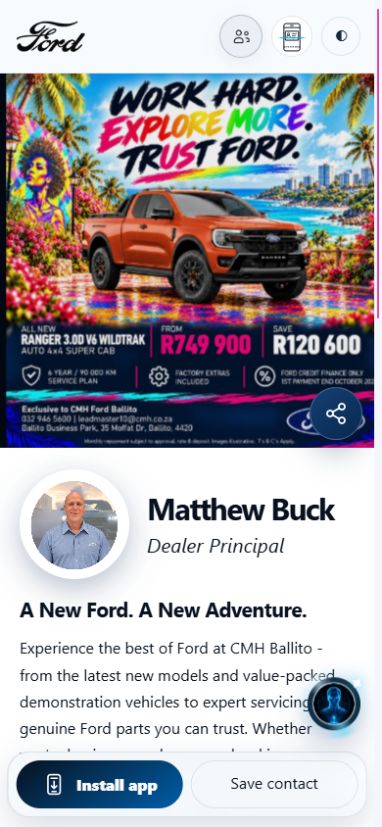
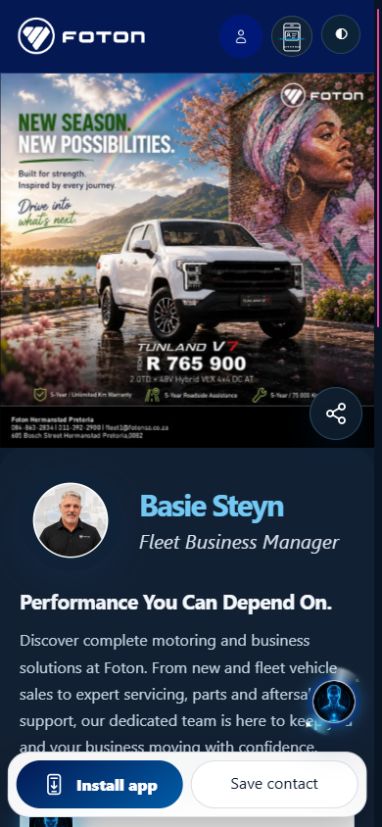
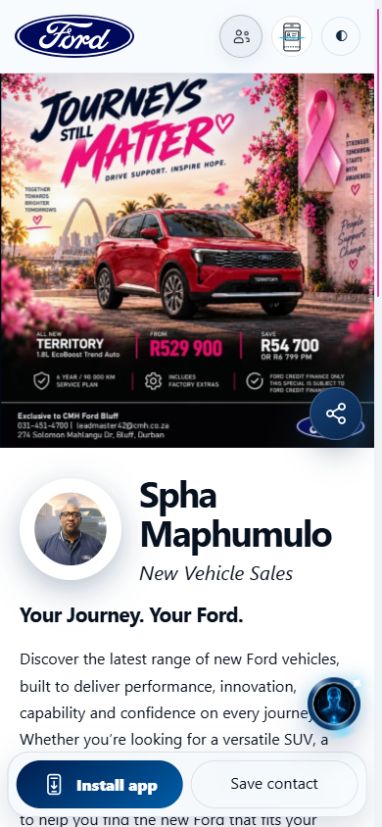
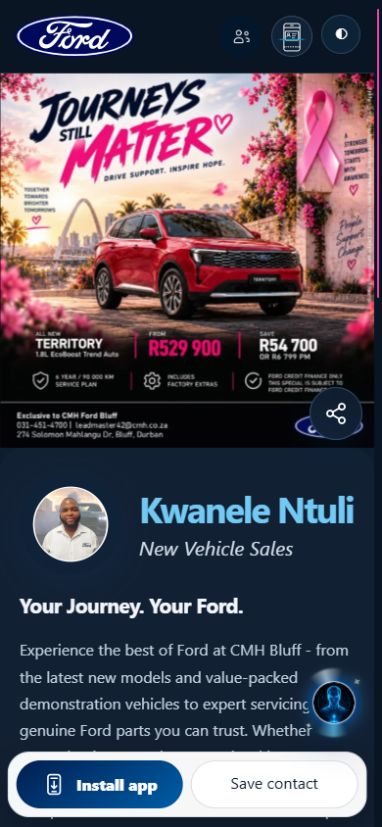
    Drag, swipe or browse the cards
    Matthew BuckDealer Principal · CMH Ford Ballito
    Open live card
    Basie SteynFleet Business Manager · Foton South Africa
    Open live card
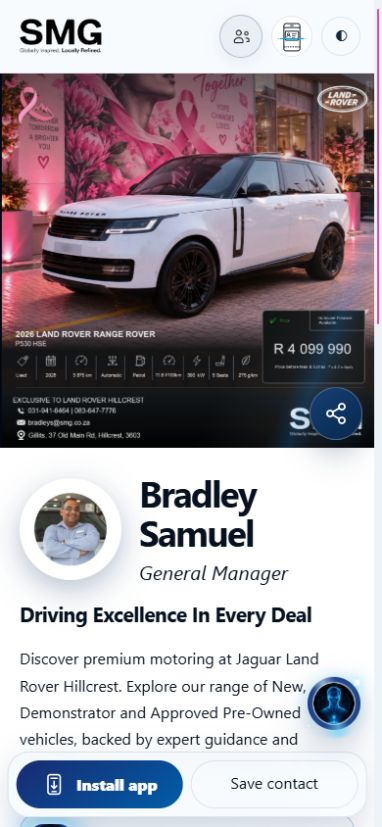
    Bradley SamuelGeneral Manager · SMG Jaguar Land Rover Hillcrest
    Open live card
    Loading current digital card…
    Savannah LevinApproved Used Sales · CMH Ford Ballito
    Open live card
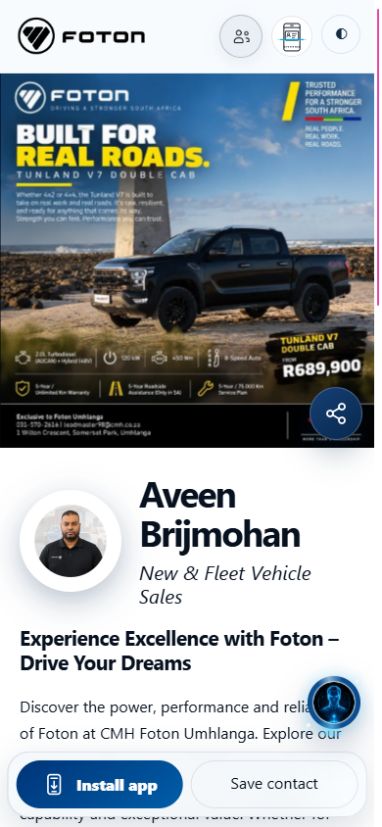
    Aveen BrijmohanNew & Fleet Vehicle Sales · CMH Foton Umhlanga
    Open live card
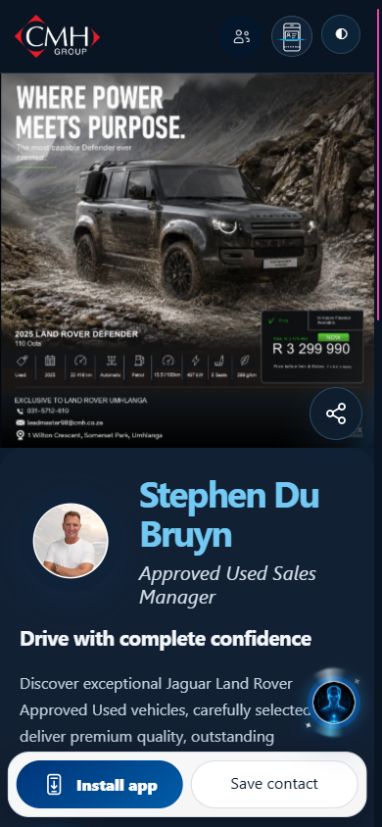
    Stephen Du BruynApproved Used Sales Manager · CMH Jaguar Land Rover Umhlanga
    Open live card
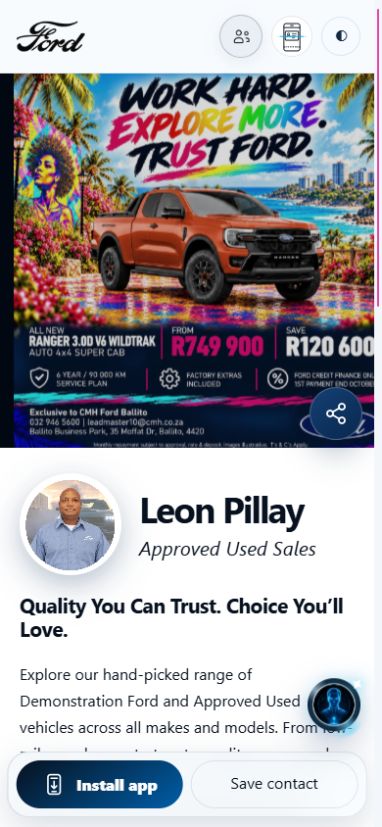
    Leon PillayApproved Used Sales · CMH Ford Ballito
    Open live card
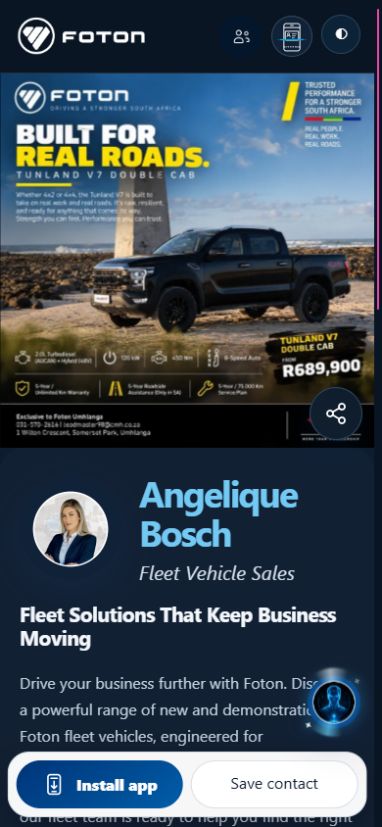
    Angelique BoschFleet Vehicle Sales · CMH Foton Umhlanga
    Open live card
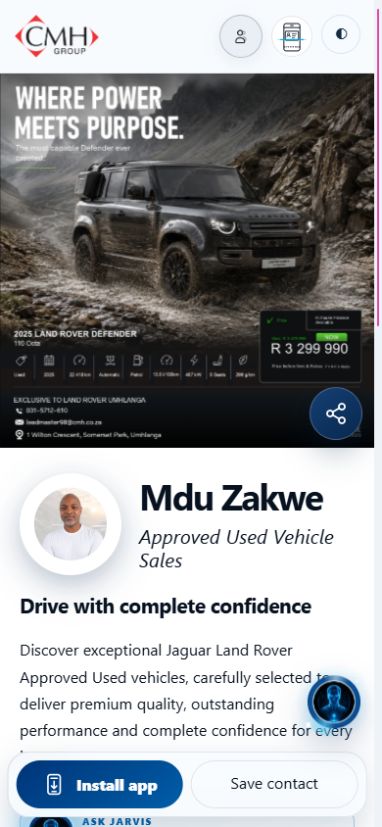
    Mdu ZakweApproved Used Vehicle Sales · CMH Jaguar Land Rover Umhlanga
    Open live card
    Loading current digital card…
    Martin BloemApproved Used Sales · CMH Ford Ballito
    Open live card
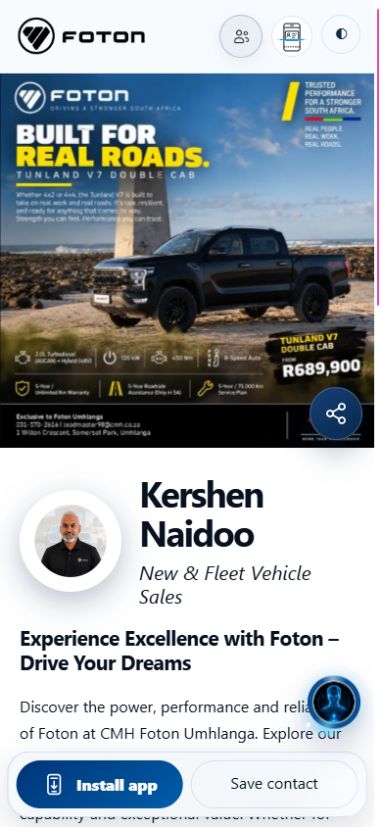
    Kershen NaidooNew & Fleet Vehicle Sales · CMH Foton Umhlanga
    Open live card
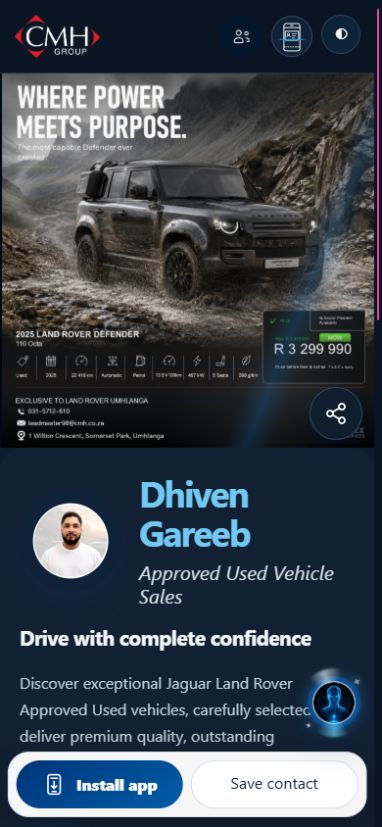
    Dhiven GareebApproved Used Vehicle Sales · CMH Jaguar Land Rover Umhlanga
    Open live card
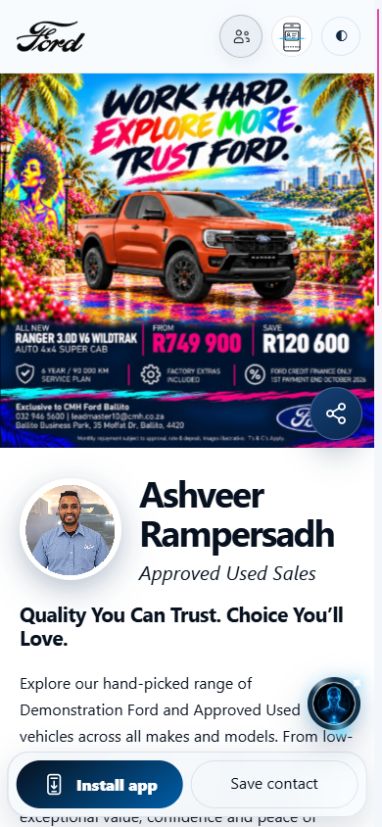
    Ashveer RampersadhApproved Used Sales · CMH Ford Ballito
    Open live card
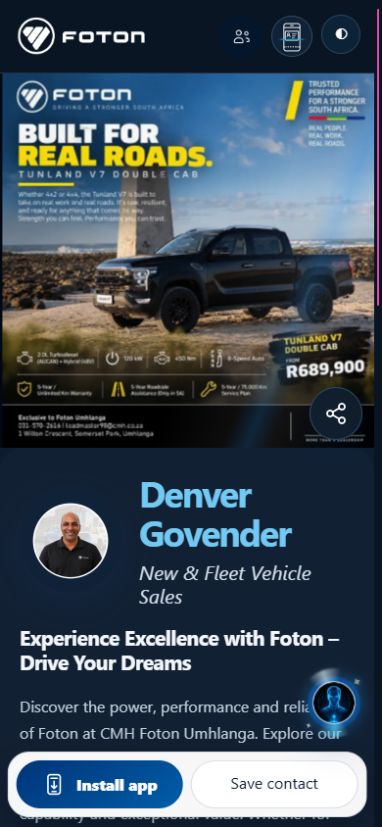
    Denver GovenderNew & Fleet Vehicle Sales · CMH Foton Umhlanga
    Open live card
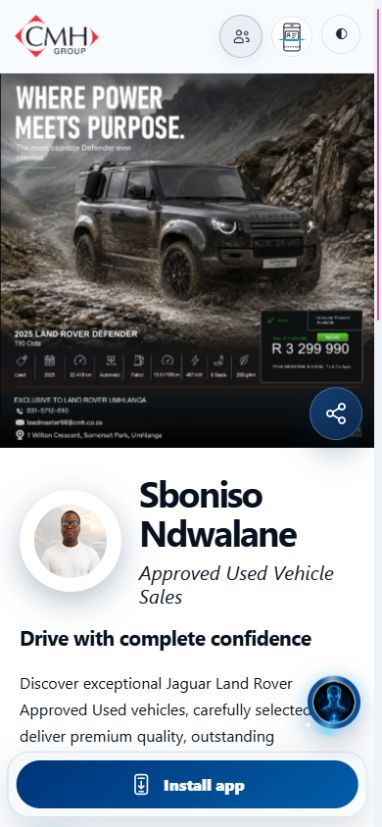
    Sboniso NdwalaneApproved Used Vehicle Sales · CMH Jaguar Land Rover Umhlanga
    Open live card
    Loading current digital card…
    Khethukuthula PhiliApproved Used Sales · CMH Ford Ballito
    Open live card
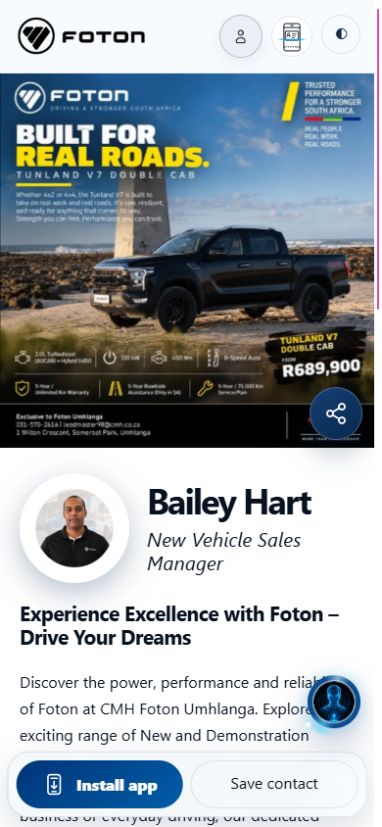
    Bailey HartNew Vehicle Sales Manager · CMH Foton Umhlanga
    Open live card
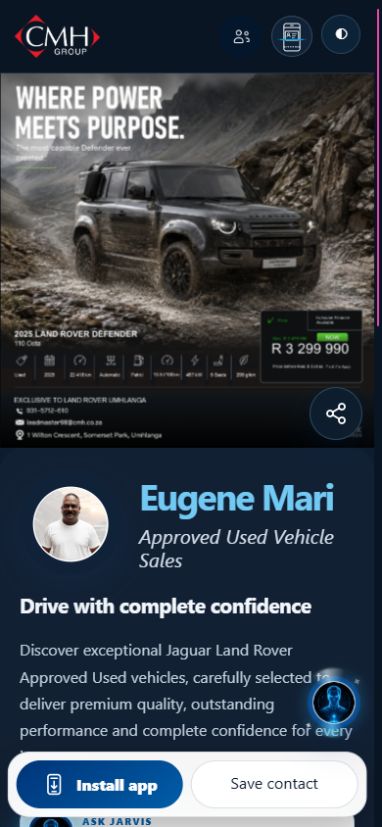
    Eugene MariApproved Used Vehicle Sales · CMH Jaguar Land Rover Umhlanga
    Open live card
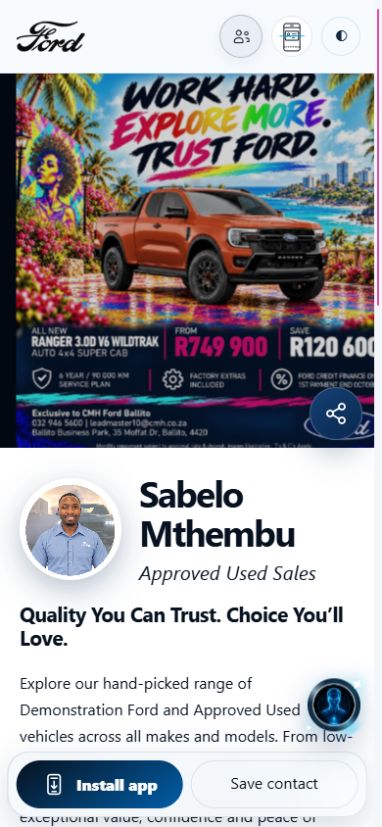
    Sabelo MthembuApproved Used Sales · CMH Ford Ballito
    Open live card
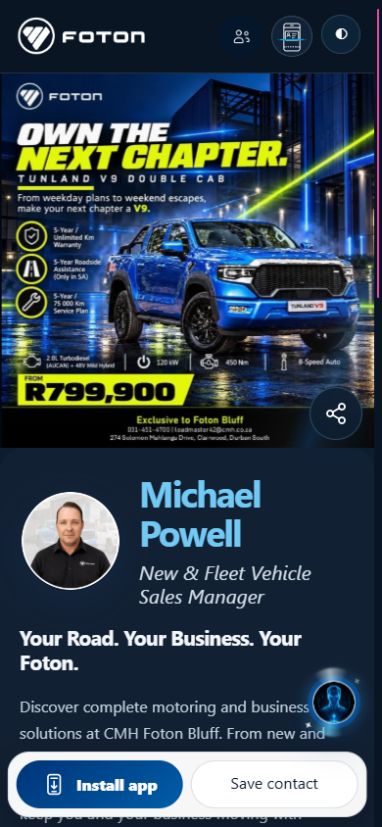
    Michael PowellNew & Fleet Vehicle Sales Manager · CMH Foton Bluff
    Open live card
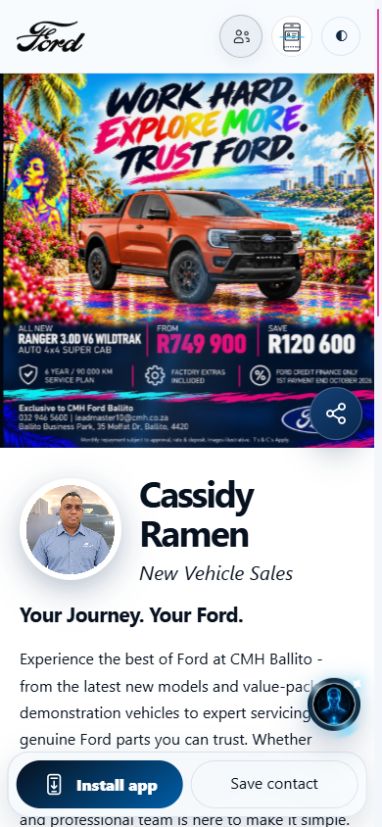
    Cassidy RamenNew Vehicle Sales · CMH Ford Ballito
    Open live card
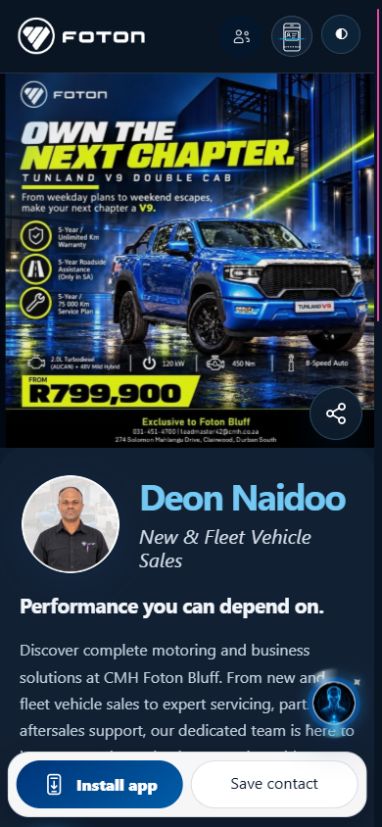
    Deon NaidooNew & Fleet Vehicle Sales · CMH Foton Bluff
    Open live card
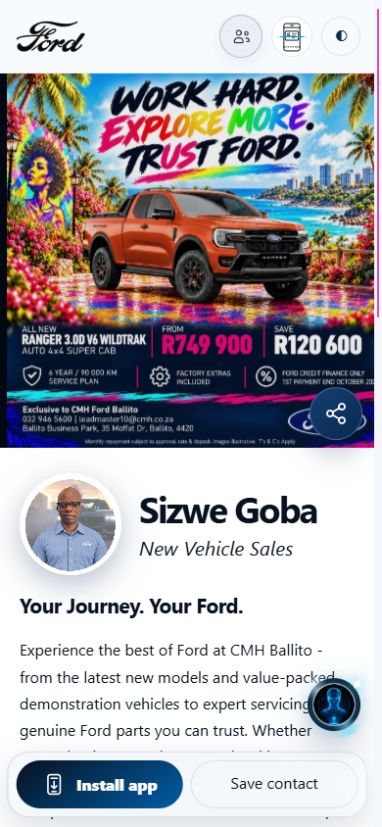
    Sizwe GobaNew Vehicle Sales · CMH Ford Ballito
    Open live card
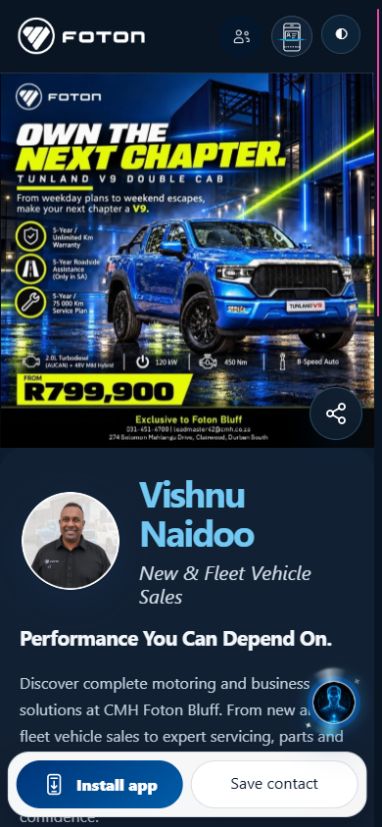
    Vishnu NaidooNew & Fleet Vehicle Sales · CMH Foton Bluff
    Open live card
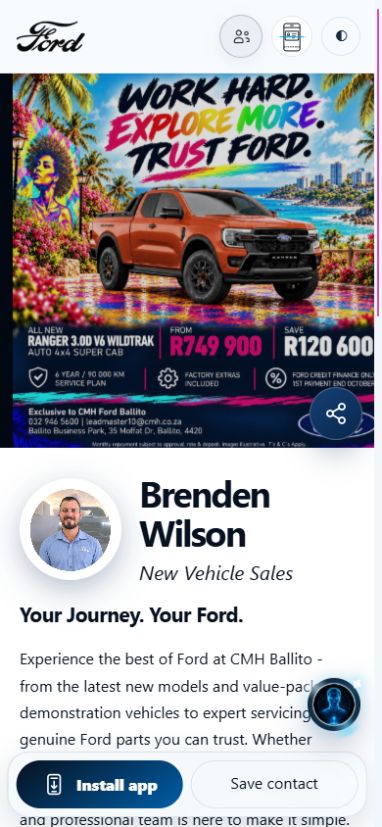
    Brenden WilsonNew Vehicle Sales · CMH Ford Ballito
    Open live card
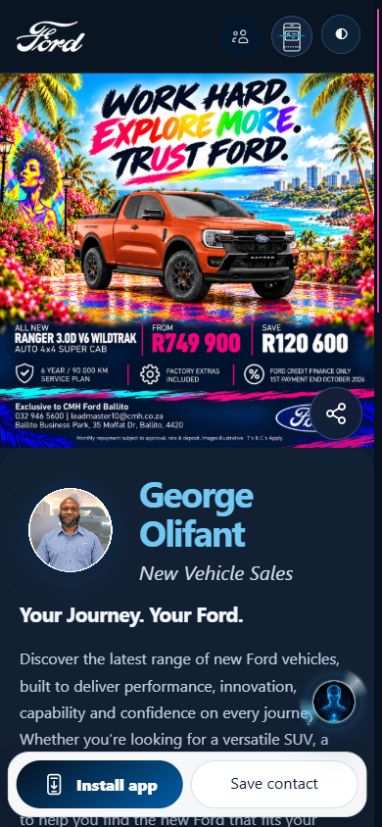
    George OlifantNew Vehicle Sales · CMH Ford Ballito
    Open live card
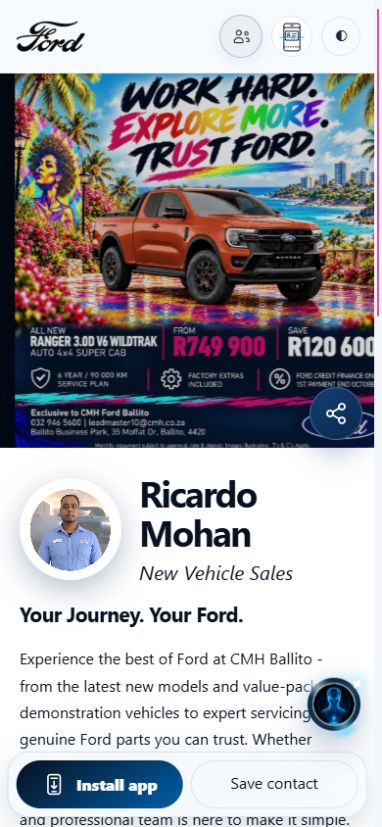
    Ricardo MohanNew Vehicle Sales · CMH Ford Ballito
    Open live card
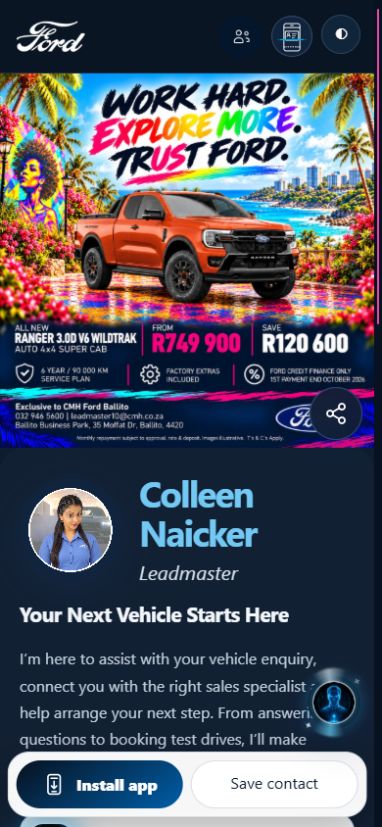
    Colleen NaickerLeadmaster · CMH Ford Ballito
    Open live card
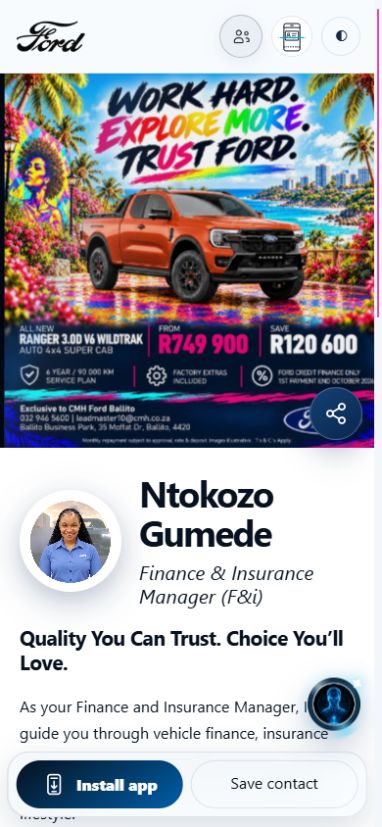
    Ntokozo GumedeFinance & Insurance Manager (F&i) · CMH Ford Ballito
    Open live card
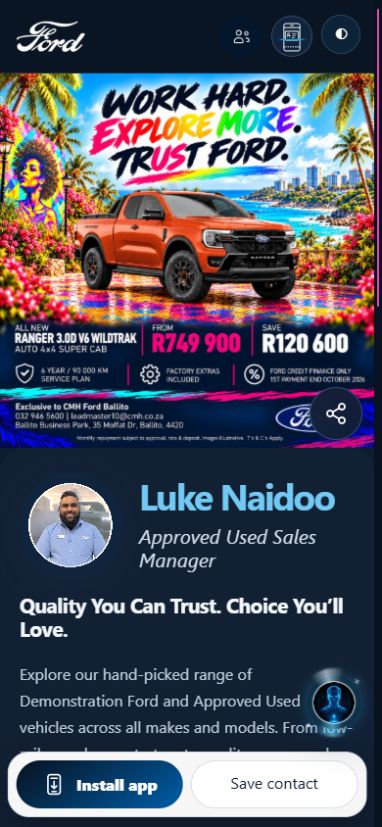
    Luke NaidooApproved Used Sales Manager · CMH Ford Ballito
    Open live card
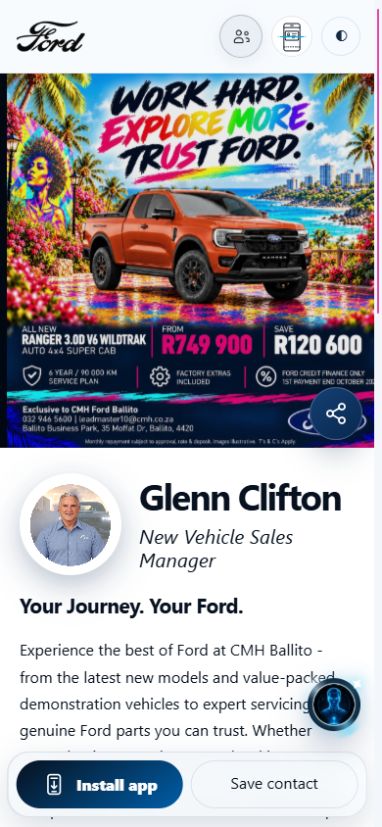
    Glenn CliftonNew Vehicle Sales Manager · CMH Ford Ballito
    Open live card
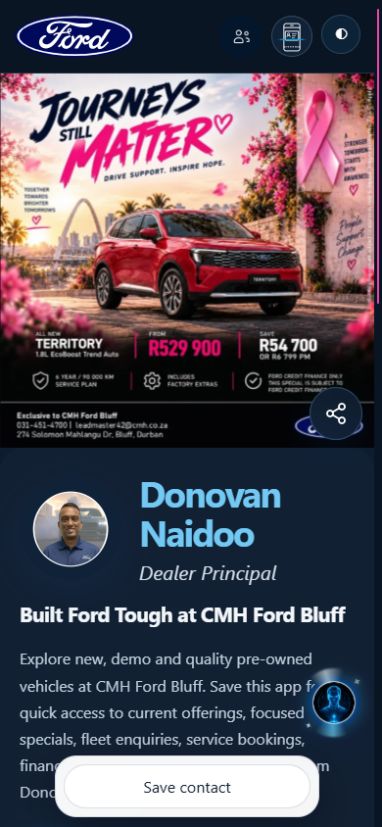
    Donovan NaidooDealer Principal · CMH Ford Bluff
    Open live card
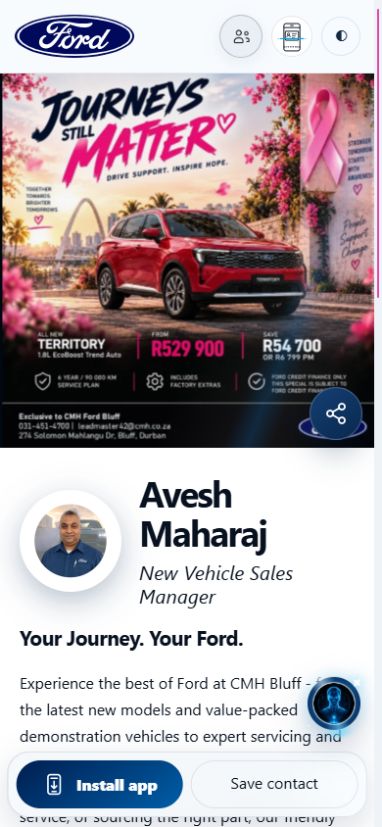
    Avesh MaharajNew Vehicle Sales Manager · CMH Ford Bluff
    Open live card
    Kwanele NtuliNew Vehicle Sales · CMH Ford Bluff
    Open live card
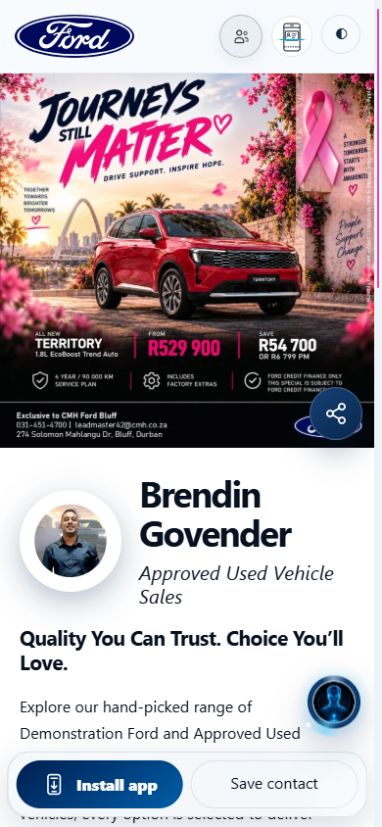
    Brendin GovenderApproved Used Vehicle Sales · CMH Ford Bluff
    Open live card
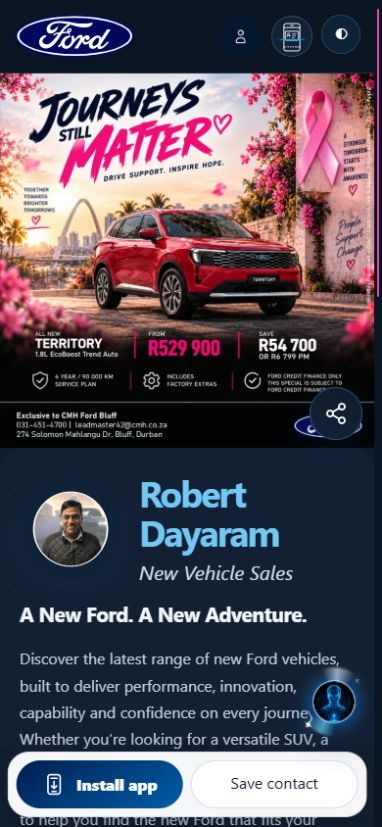
    Robert DayaramNew Vehicle Sales · CMH Ford Bluff
    Open live card
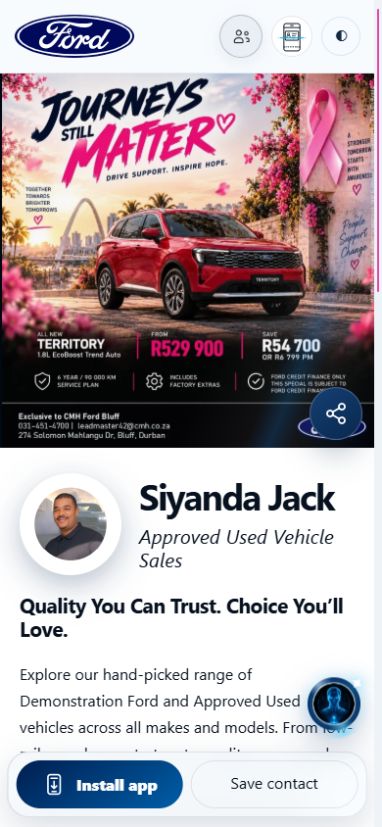
    Siyanda JackApproved Used Vehicle Sales · CMH Ford Bluff
    Open live card
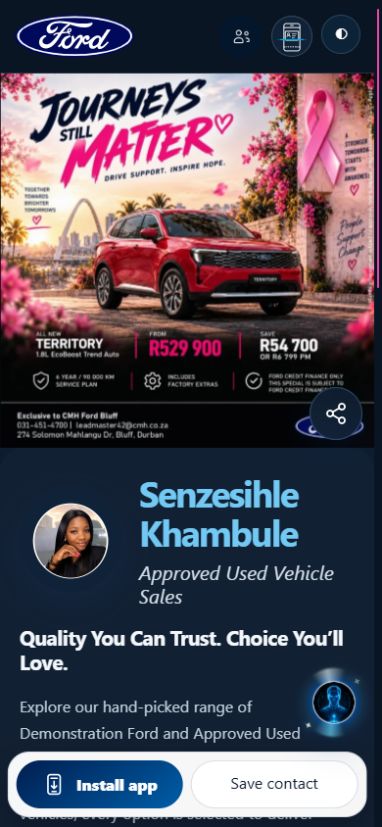
    Senzesihle KhambuleApproved Used Vehicle Sales · CMH Ford Bluff
    Open live card
    Spha MaphumuloNew Vehicle Sales · CMH Ford Bluff
    Open live card
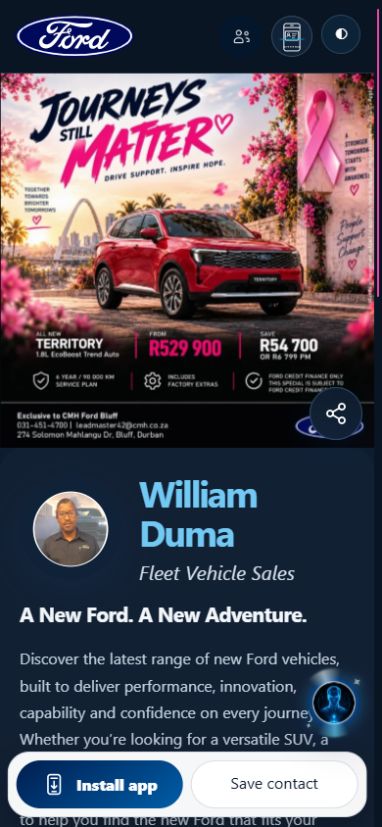
    William DumaFleet Vehicle Sales · CMH Ford Bluff
    Open live card
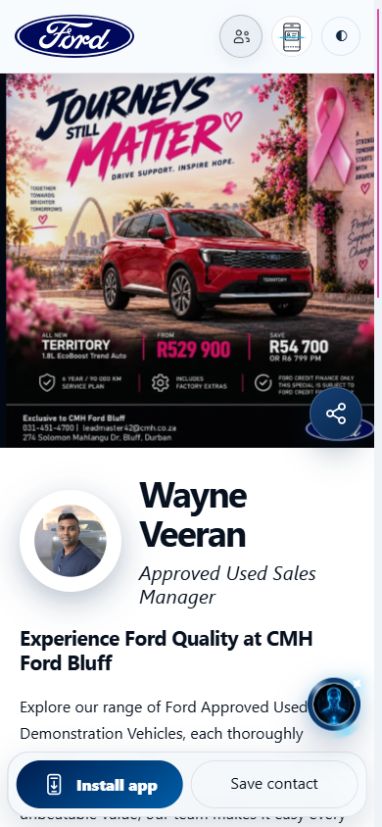
    Wayne VeeranApproved Used Sales Manager · CMH Ford Bluff
    Open live card
    Jarvis, the MyMEX workspace assistant
    Platform assistantApproved customer guidance
    04 / HELP THAT MOVES THE CONVERSATION FORWARD

    Good questions.
    A better next step.

    Jarvis helps customers make sense of their options, then brings the right person into the conversation.

    1. Approved information

      Business details, vehicle context and enabled published content. Missing facts stay unconfirmed.

    2. Useful guidance

      Explore passenger or commercial needs, budget and practical requirements.

    3. A human next step

      With permission, collect an enquiry and hand it to the cardholder or configured team.

    A recommendation is a starting point. The dealership confirms stock, price, finance and bookings.

    JARVIS / BOTH SIDES OF THE CONVERSATION

    Help the customer explore.
    Help your team move forward.

    Jarvis
    Sales HelperIllustrative staff assistance
    Customer needs space for a growing family.
    Start with the right questions.Seating • everyday use • budget • vehicle interest
    A useful next stepReview the approved vehicle information and prepare a personal follow-up.
    Customer context → Staff review → Personal follow-up
    ✦

    Customer assistant

    Understand passenger, family and commercial needs. Explore approved vehicle information, current published specials and the right next contact.

    ↗

    Sales Helper

    Bring customer context into useful questions, vehicle discussions and a follow-up draft for the salesperson to review. Confirm facts before making promises.

    Staff assistance is subject to the tools enabled in your workspace.
    ◎

    A connected next step

    Keep selected vehicle interest and consented enquiry details together. Route the conversation to the salesperson, Leadmaster or F&I contact.

    Explore Sales Helper with Jarvis ↗

    The direction ahead: deeper approved knowledge and more useful assistance across the customer journey. Future enhancements are separate from the package capabilities available today.

    FROM INTEREST TO THE NEXT APPOINTMENT

    One relationship.
    Every department connected.

    One customer conversationConfigured routing / illustrative flow
    JarvisNeeds + vehicle interest + permission
    SalesVehicle discussionF&IFinance enquiryServiceAppointment request
    Right team member reviews and confirms the next step
    ◷

    Finance & insurance

    Guide a finance enquiry to the configured F&I contact with the customer’s vehicle interest and permission to follow up. Your finance team confirms options and eligibility.

    ▦

    Service & bookings

    Connect service enquiries and appointment requests to the responsible team where configured. Requested dates remain requests until the dealership confirms them.

    ✉

    Stay in touch

    Branded email replies, relevant notifications and push where enabled keep the next action visible. Communication follows consent, preferences and workspace permissions.

    PUSH NOTIFICATIONS / A TIMELY NEXT STEP

    Keep your dealership
    within reach.

    MYMEX / ILLUSTRATIVE NOTIFICATIONOpted-in recipient · demonstration only
    Your next dealership updateA relevant update, with a clear link to the published card or offering.
    Permission → Relevant message → Customer chooses to open

    Feature

    Push messages for subscribed customers where enabled, alongside staff notifications for relevant workspace activity.

    Advantage

    Bring a useful update to the customer and make the next action easier to find.

    Benefit

    Help your team stay responsive and keep customer connections active without treating every contact as a subscriber.

    BRANDED EMAIL & AUTOMATION

    A consistent identity.
    A timely conversation.

    YOUR DEALERSHIP / EMAIL PREVIEWIllustrative message · not sent
    Your appointment is coming upHi Alex, here is a reminder of your confirmed dealership appointment. Review your booking details or contact the team.
    Confirmed booking → Configured reminder → Customer receives the next step

    Feature

    Business-branded customer email drafts and replies, with booking reminder processing for configured appointments.

    Advantage

    Review the message, business branding and eligible audience before sending campaigns. Configured reminder jobs support the booking workflow.

    Benefit

    A more consistent customer experience and less manual work keeping appointments visible.

    Automation depends on the enabled trigger, delivery setup and customer preferences. An email draft is not an automatic campaign; reminders depend on configured jobs.

    ANALYTICS / SEE WHAT HAPPENS NEXT

    From a shared card
    to a useful signal.

    See card engagement and customer activity in the authorised workspace. Managers use the available analytics to understand activity and guide follow-up.

    Explore the analytics demo ↗
    ACTUAL WORKSPACE CHART DESIGN / DEMONSTRATION DATA
    Engagement mix

    What attracted attention

    Demonstration data / Last 30 days

    3,368events
    Browsing84%2,840
    Contact4%128
    Sharing7%240
    App & alerts5%160
    Contact intent

    How customers reached out

    Demonstration data / Last 30 days

    128actions
    Phone38%48
    WhatsApp33%42
    Email19%24
    Forms11%14

    Feature: engagement and contact analytics. Advantage: see how customers use the cards. Benefit: guide your team’s follow-up with clearer activity context. These example counts are not results from a live dealership.

    GLOBAL ACTIVITY / ILLUSTRATIVE PREVIEW

    See dealership interest
    wherever it happens.

    Explore how visits, customer actions and campaign signals can become a clearer picture for your team. These figures are demonstration data.

    ILLUSTRATIVE PRODUCT PREVIEW

    See automotive interest around the world.

    Explore an example of how activity becomes a clearer next step.

    Example data

    Country markers show approximate activity, not exact people or addresses.

    ACTIVITY MIX

    What people did

    All countries · Last 30 days

    LOCATION COVERAGE

    Where activity is known

    All countries · Last 30 days

    Unknown country stays separate. Zooming never adds location precision.
    Activity—Recorded events
    Countries—With observed network estimate
    Top country—Recorded events
    Unlocated—Kept visible, never guessed
    Activity timeline

    Team actions name the recorded staff member. Recipient and service signals stay separate.

    Scan business cardScan or enter a connection
    01 / Photograph or upload02 / Extract & review03 / Save to your CRM04 / Connect by email
    THE BUSINESS CARD SCANNER / BUILT INTO MYMEX

    Meet someone.
    Scan their card.
    Keep the connection.

    Turn a business card into a connection you can follow up. Photograph the card with your phone or upload a clear image. MyMEX reads the image and extracts the available name, business, role, email, phone and website details.
    1. Capture both sides when needed. Use a sharp, well-lit photo with the full card visible. You can also enter the details manually.
    2. Review before saving. Check and correct the extracted information. Add the customer’s interest or a useful note; the scan does not guess missing details.
    3. Keep it with the right salesperson. The reviewed connection is saved in that salesperson’s CRM, with its card and dealership context. Authorised staff work within their permitted workspace.
    4. Send a branded thank-you. With a valid email and permitted delivery, the saved connection receives one thank-you email with the salesperson’s published digital card and a secure reply action. The email and its delivery status are recorded in CRM.
    5. Continue the relationship. The client can open the digital card, save the salesperson’s details and reply. Specials and campaign updates require separate subscription confirmation.
    See the scanner on Denver’s published card ↗

    The animation illustrates the scanner. No customer record is shown or created here.

    05 / THE WORK BEHIND THE RELATIONSHIP

    Less lost context.
    More accountable follow-up.

    Scan a business card into the CRM for review. Keep enquiries, ownership, customer context and booking requests together. Authorised managers can see activity and guide the team inside their workspace.

    See the connected workspace ↗
    MYMEX / TEAM WORKSPACEDEMONSTRATION DATA
    C

    Customer enquiry

    From a published digital card

    New
    Interest
    Selected published vehicle
    Owner
    Responsible team member
    Contact permission
    Recorded with the request
    Next action
    Review and arrange follow-up
    Card → Enquiry → CRMHuman review
    MAKE THE CONNECTION EASY TO KEEP

    Your salesperson.
    One link. More ways to connect.

    Keep your connection within reachIllustrative customer actions
    ↗Share the card▦Scan its QR★Open Google review
    One personal card. Clear customer actions.
    ↗

    Save & share

    Open a personal card, save the contact, share its link or scan the card’s own QR code. An installable experience keeps the card within reach.

    Explore the team cards ↗
    ★

    Google reviews

    A configured review action takes customers to the business’s Google review destination. Make the invitation easy to find after a customer experience.

    ✦

    A person behind every card

    Customer questions connect to the responsible salesperson or configured department. Jarvis supports the introduction and keeps the next step clear.

    THE MYMEX DEALER PACKAGE

    Your platform. Your people.
    Your managed advertising service.

    The MyMEX Dealer Package combines your dealership’s digital platform, team cards and managed advertising service. Your selected package determines the agreed card allocation and monthly fee.

    01Digital cards & dealership presence
    • Personalised digital smart cards for the agreed number of team members, plus a public dealership card/page connecting customers to your team.
    • Leadmaster and Finance & Insurance manager cards within the agreed allocation.
    • Profile images, dealership branding, contact details, social links and contact buttons.
    • Specials, offerings, vehicle listings and galleries.
    • Sharing through links, QR codes and NFC access; downloadable contact details and an installable digital card experience.
    02Sales & customer management tools
    • Individual salesperson CRM and lead management, business card scanning, lead capture, manual entry, bulk import and export.
    • Customer enquiry history, selected vehicle interest, bookings and appointment management.
    • WhatsApp contact actions, email reply tools, notifications and follow-up guidance.
    • Activity analytics, customer engagement tracking, manager workspace access and team oversight.
    • Role-based access and separate dealership workspaces.
    03Jarvis — intelligent customer assistance
    • Helps customers explore the dealership and its offerings, and qualify passenger, family and commercial vehicle requirements.
    • Answers from approved business and vehicle information, guiding customers towards relevant stock and specials.
    • Retains useful conversation details and selected vehicle interest.
    • Collects contact details and permission for follow-up.
    • Directs enquiries to the appropriate salesperson, Leadmaster or F&I contact.

    Missing information stays unconfirmed. The dealership confirms stock, price, finance and bookings.
    04Advert designs, catalogues & updates
    • Full marketing: 10–15 individual new vehicle adverts per month, plus one used vehicle advert update per month with up to 10 individual adverts.

    • Full marketing and Catalogues packages: catalogue updates every 10 days covering your agreed vehicles.
    • Salesperson personalisation and MyMEX specials, offerings and campaign updates alongside the agreed editions.
    • Vehicle and offer information sourced from your website, AutoTrader or another preferred platform.
    • Ongoing platform management and digital card updates throughout the active agreement.

    These inclusions follow the selected package in the pricing section below. App management uses your supplied artwork; design and catalogue production are quoted separately.

    05Setup, training & ongoing support
    • Card and public dealership page setup, branding and team profile configuration.
    • Workspace invitations, access setup and enquiry routing configuration.
    • Team training, ongoing platform management and agreed content updates.
    MOTORING EXCELLENCE · SALES ACADEMY

    Better conversations.
    More confident salespeople.

    Take a look inside the course. Eight lessons help your team build trust, ask better questions and handle objections without pressure.

    Build trust Handle objections Practise & learn
    Ask about team training

    Explore automotive sales training for dealership teams

    Watch the introduction here. Full lessons and learner progress stay inside your signed-in workspace.
    COURSE INTRODUCTIONWatch at your pace

    Turning conversations into consistent sales.

    POWER EVERY CUSTOMER JOURNEY.

    Choose the dealership setup
    your team can work with.

    Explore the platform, select the services you need and review the scope with MyMEX before activation.

    Discuss my dealership setup A person reviews your request. Your package and team allocation are agreed before activation.

    The MyMEX story

    Published digital card

    Open live card ↗

    Security & Trust

    Security & Trust

    Protection you can understand.

    Layered safeguards help protect your account, payments and information while keeping responsibilities and limitations clear.

    Controls reviewed 26 October 2026 · Reviews are ongoing
    01

    Account access

    Login throttling limits repeated password guesses. Session expiry, revocation and active-user checks help stop stale access. Keep credentials private and remove staff access when responsibilities change.

    02

    Payment safeguards

    Payment verification and duplicate-processing safeguards help prevent false payment activation and repeated billing. They do not guarantee protection against every payment dispute or fraud scenario.

    03

    Encrypted connections

    HTTPS protects information travelling between your browser and MyMEX. Check the website address before signing in. HTTPS does not make a fraudulent website trustworthy.

    04

    Restricted system files

    Private configuration and restricted file permissions help reduce unauthorized reading or changes to sensitive application files.

    05

    Recovery safeguards

    Selected production database and application backups were restored and checked in isolation. Deployment rollback was rehearsed. Full restored-service business testing remains outstanding.

    06

    Ongoing review

    Security reviews continue. Provider-level MFA enforcement, server patching, SSH and firewall policies, and immutable/off-site backup assurances have not yet been independently verified in this review.

    07

    Security is a shared responsibility

    No online service eliminates every risk. Protect your credentials, review workspace access and report unexpected account or payment activity promptly. This page describes reviewed controls; it is not an independent certification or a guarantee that every platform route has been audited.

    08

    Report a security concern

    Use our support form to request a private security follow-up. Describe the affected page and what happened. Do not send passwords, API keys, payment details or customer records. For sensitive evidence, ask support for an appropriate private channel first.

    Platform terms · Privacy notice

    MyMEX Security & Trust · Reviewed controls, clear limitations and ongoing improvement.